

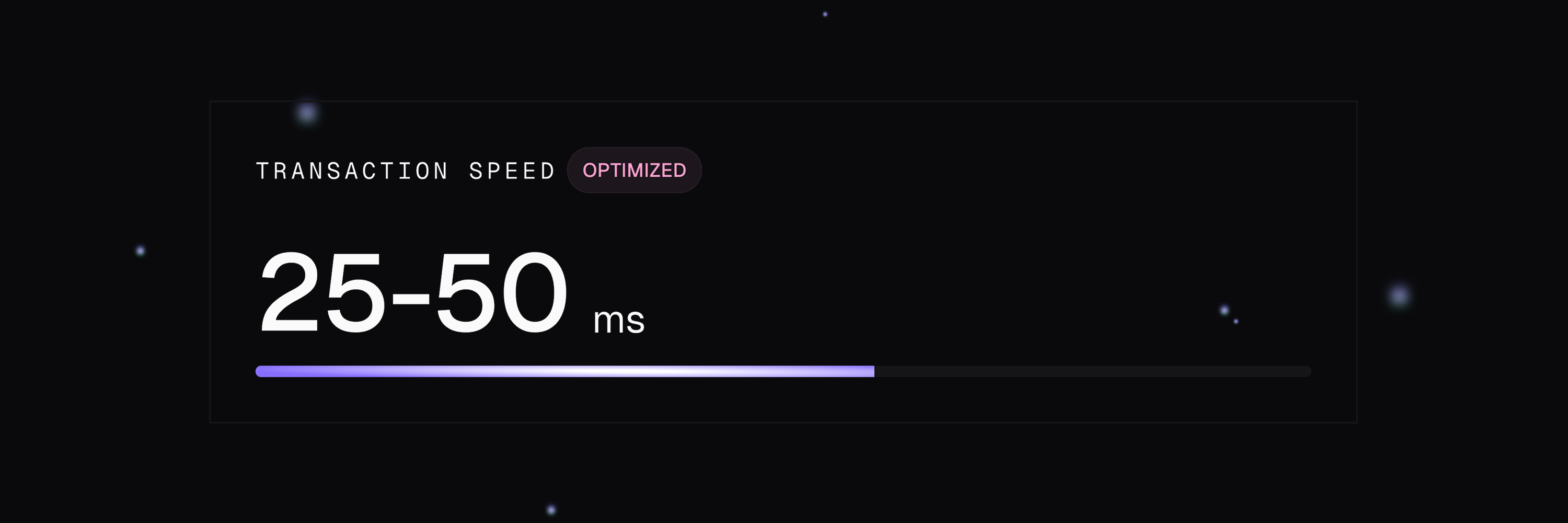
Understanding Response Time
Every transaction response includes two latency metrics:| Metric | What it measures | Who controls it |
|---|---|---|
networkLatency | Time to build, sign, and broadcast your transaction to Solana | Launchpad Trade — our infrastructure |
confirmLatency | Total time from request to Solana confirmation | Solana network — same for all providers |
Your HTTP client will show total response time close to
confirmLatency because we wait for Solana confirmation before returning final fields (status, amountSol, tokensReceived).Why it matters
Solana confirmation time is identical for all providers — no one can make Solana faster. The competition is in how quickly your transaction reaches Solana. When multiple traders target the same opportunity, the first transaction to reach validators gets included earlier in the next block — that’s where execution price is determined.networkLatency is the differentiator. A 40ms difference can mean executing at your target price or missing it entirely.
Example: networkLatency: 45, confirmLatency: 520 → we submitted in 45ms, Solana confirmed in 475ms.
Run from Optimal Regions
Network latency between your server and our API directly impacts your trade execution speed. Running your scripts from a server physically close to our infrastructure reduces round-trip time and gives you faster confirmations. Deploy your trading scripts on servers located in one of our supported regions.- Europe
- North America
- Asia
| City | Code | Status |
|---|---|---|
| Amsterdam | ams | ⭐ Recommended |
| Frankfurt | fra | ✅ Available |
Keep Connections Alive
Maintain persistent SSL/TLS connections between requests. Opening a new connection for each request adds significant latency due to the TLS handshake. Add this setup code once at the beginning of your script. All subsequent requests will automatically reuse the same connection:Once configured, every request through this client automatically benefits from persistent connections. No extra code needed.
Initialize Your Wallets
Call the/wallets/init endpoint for each wallet you plan to use for trading (buy, sell, bundle, etc.) via the Launchpad Trade API.
Why Initialize?
When you initialize a wallet, Launchpad Trade pre-allocates resources on the Solana network to speed up your transactions. Without initialization, this allocation happens during your first trade, adding significant latency.Requirements
- Minimum 0.01 SOL in the wallet — used for on-chain resource allocation
How to Initialize
Once initialized, all subsequent trades from that wallet execute at optimal speed.
Region-Specific Initialization
Our load balancer automatically routes your requests to the closest, most optimal server. When you initialize a wallet, it’s prepared for that specific region. If you change your server location or IP address:- The load balancer may assign you to a different region
- Your wallets won’t be initialized for this new region
- Your first transaction will have added latency
- Re-initialize your wallets after changing your server location
- Check your current region with
GET /health
What’s Next?
Start Trading
Execute your first buy or sell
Error Handling
Handle errors gracefully